

Hey there! As a supplier of EM Deactivators, I often get asked by customers, "How do I know if my EM Deactivator is working?" Well, in this blog post, I'm gonna break it down for you and share some practical ways to check the functionality of your EM Deactivator.
Understanding EM Deactivators
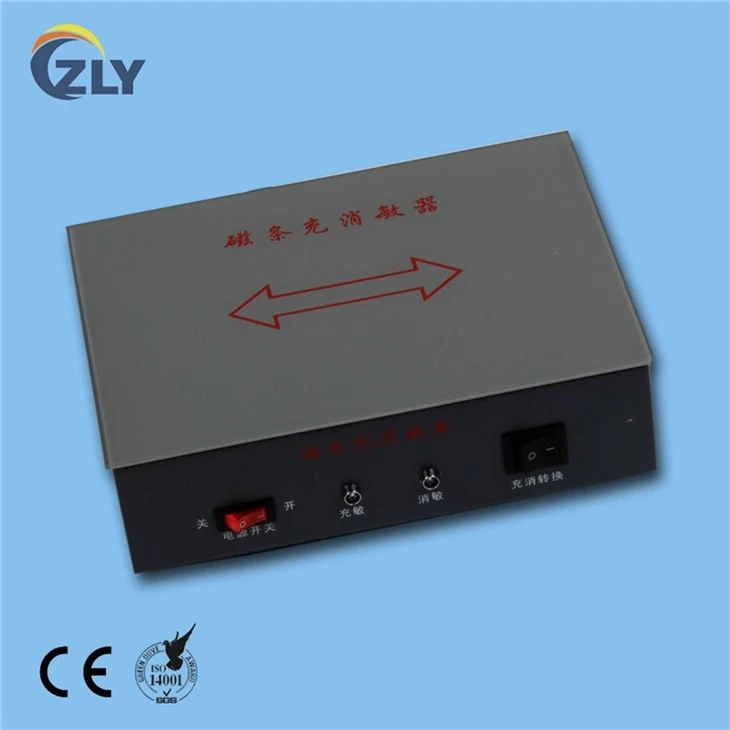
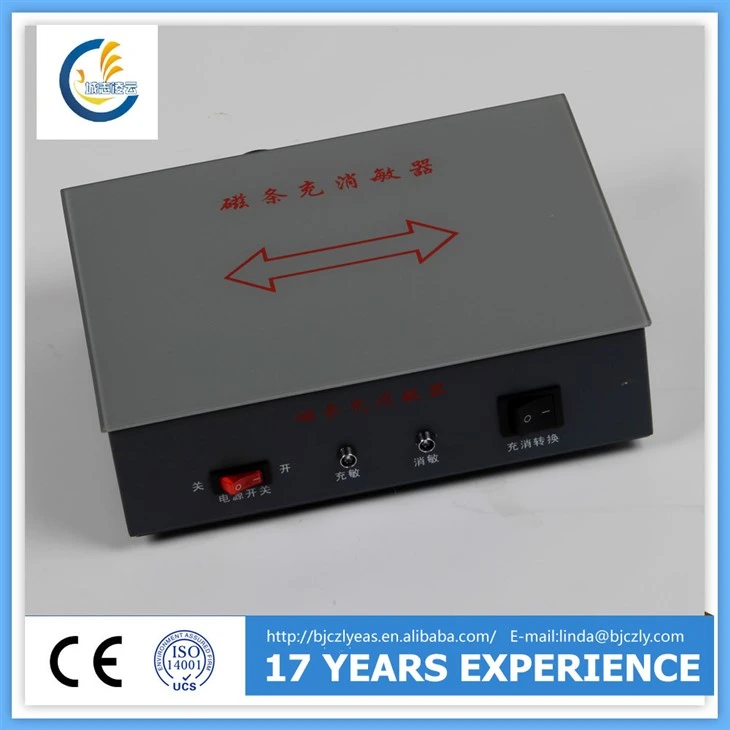
First off, let's quickly go over what an EM Deactivator is. EM stands for Electro - Magnetic, and these deactivators are used in Electronic Article Surveillance (EAS) systems. They're designed to deactivate the security tags attached to products, so they can pass through the EAS gates at the store exit without setting off the alarms. We offer a range of EM Deactivators, like the EM Book anti - theft system Deactivator and Reactivator, EM Strip Deactivator, and EM Library Strip Deactivator And Activator.
Visual Inspection
The first step in checking if your EM Deactivator is working is a simple visual inspection. Look at the device for any obvious signs of damage, like cracks on the casing, loose wires, or burned - out components. If you notice any physical damage, it could be a sign that the deactivator isn't functioning properly. Also, check the power indicator light. Most EM Deactivators have a light that turns on when the device is powered up. If the light doesn't come on, it might mean there's a problem with the power supply or the internal circuitry.
Testing with Known Tags
One of the most straightforward ways to test your EM Deactivator is to use known EM security tags. You can get a few spare tags from your inventory. First, make sure the tags are active by passing them through the EAS gates. The gates should alarm when an active tag goes through. Then, place the tag on the deactivation area of the EM Deactivator according to the manufacturer's instructions. Usually, you'll need to hold the tag there for a few seconds. After that, pass the tag through the EAS gates again. If the deactivator is working correctly, the gates shouldn't alarm.
Consistency in Testing
It's important to test the deactivator consistently. Do multiple tests with different tags. Sometimes, a single tag might be faulty, so testing with several tags gives you a more accurate picture of the deactivator's performance. Also, test the deactivator at different times of the day. Environmental factors like temperature and humidity can affect the performance of electronic devices. If the deactivator works fine in the morning but starts to fail in the afternoon when the store gets warmer, it could indicate a problem related to heat sensitivity.
Audible and Visual Feedback
Some EM Deactivators provide audible or visual feedback when they deactivate a tag. For example, they might beep or flash a light. If your deactivator has this feature, pay attention to it. If you place a tag on the deactivation area and don't get the expected feedback, it could mean the deactivator isn't working as it should. However, keep in mind that this feedback is just an indication, and you still need to test the tag at the EAS gates to confirm deactivation.
Comparing with a Working Deactivator
If you have another EM Deactivator that you know is working properly, you can compare the performance of the suspect deactivator with it. Use the same set of tags and test them on both deactivators one after the other. If the working deactivator can deactivate all the tags, but the suspect one fails to deactivate some of them, then there's likely an issue with the suspect deactivator.
Software and Firmware Checks
Some modern EM Deactivators are equipped with software or firmware. Check if there are any updates available for your deactivator. Outdated software can sometimes cause problems with the deactivation process. Follow the manufacturer's instructions to update the software or firmware. After the update, run the tests again to see if the performance improves.
Contacting Technical Support
If you've tried all the above methods and still can't determine if the deactivator is working, or if you're sure it's not working, it's time to contact the technical support team. They have the expertise and tools to diagnose and fix more complex problems. Provide them with detailed information about the tests you've conducted, any error messages you've received, and the symptoms you've observed.
Maintenance and Cleaning
Regular maintenance and cleaning can also affect the performance of your EM Deactivator. Dust and debris can accumulate on the deactivation area, which might prevent the tag from being deactivated properly. Use a soft, dry cloth to clean the deactivation area regularly. Also, make sure the deactivator is placed on a stable surface and isn't exposed to excessive vibrations, as this can damage the internal components.
Conclusion
In conclusion, there are several ways to check if your EM Deactivator is working. From simple visual inspections to more in - depth testing with known tags and software checks, these methods can help you ensure that your deactivator is functioning correctly. If you're having trouble with your EM Deactivator or are looking to purchase a new one, don't hesitate to reach out. We're here to assist you with all your EM Deactivator needs. Whether you need advice on choosing the right deactivator for your business or help with troubleshooting, our team is ready to help. Contact us to start a discussion about your requirements and let's find the best solution for you.
References
- Industry knowledge and experience in EM Deactivator technology
- Manufacturer's manuals and guidelines for EM Deactivators