

Hey there! As a supplier of the EAS RF Mono System, I've had my fair share of experiences with these systems. In this blog, I'm gonna walk you through the maintenance requirements of the EAS RF Mono System.
First off, let's talk about what the EAS RF Mono System is. It's a widely - used Electronic Article Surveillance (EAS) system that operates on the Radio Frequency (RF) technology. This system is great for retail stores, libraries, and other places where you need to prevent theft.
Regular Cleaning
One of the most basic but crucial maintenance tasks is regular cleaning. The antennas of the EAS RF Mono System can accumulate dust, dirt, and even cobwebs over time. This can interfere with the system's ability to detect tags accurately. You should clean the antennas at least once a month. Use a soft, dry cloth to wipe down the surface of the antennas. Avoid using abrasive materials or harsh chemicals, as they can damage the antenna's coating and internal components.
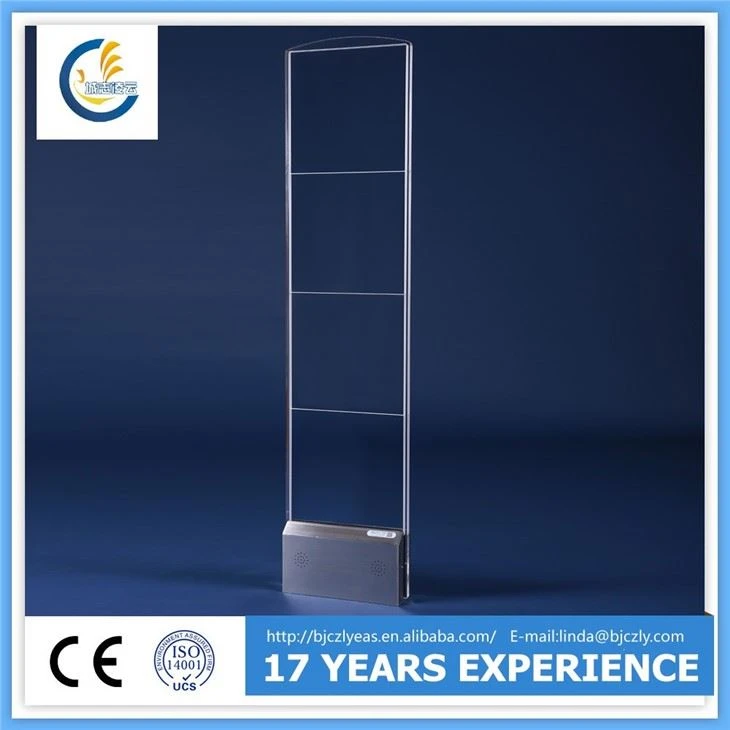
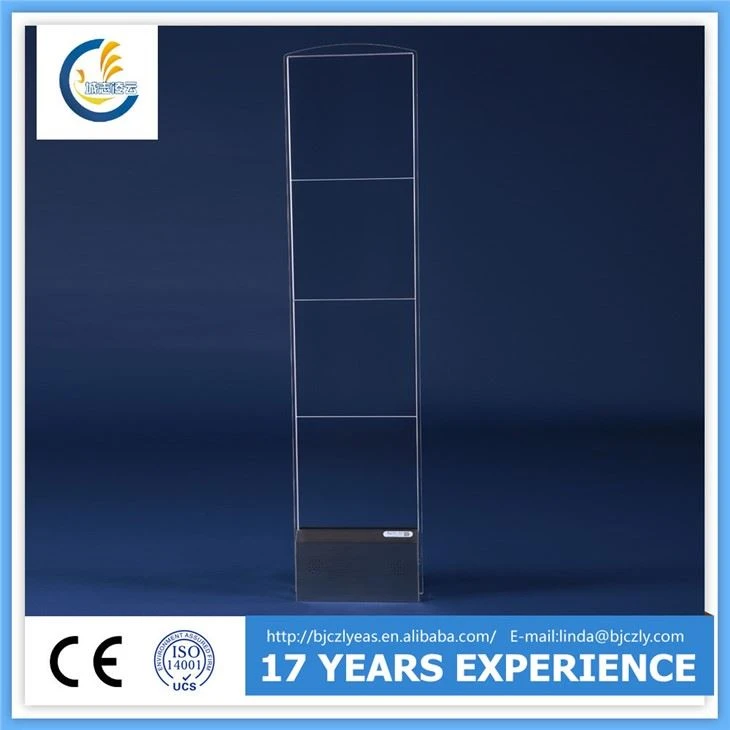
For the control unit of the system, also give it a good clean. Make sure to remove any dust from the vents. A clogged vent can cause the control unit to overheat, which may lead to system malfunctions. You can use a can of compressed air to blow out the dust from the vents gently.
Inspection of Physical Components
Regularly inspect all the physical components of the EAS RF Mono System. Check the antennas for any signs of damage, like cracks or dents. Even a small crack can affect the performance of the antenna. If you notice any damage, it's important to replace the antenna as soon as possible.
Look at the cables connecting the antennas to the control unit. Make sure they are properly plugged in and there are no signs of fraying or damage. Loose or damaged cables can lead to signal loss, causing the system to give false alarms or miss detections.
The control unit itself should also be inspected. Check for any loose screws or parts inside the unit. If you're not comfortable opening the control unit, you can always call in a professional technician to do the inspection.
Software Updates
Just like your smartphone, the EAS RF Mono System needs software updates. These updates are essential for improving the system's performance, fixing bugs, and adding new features. Keep an eye on the manufacturer's website for any available software updates.
When you update the software, make sure to follow the instructions carefully. Usually, you'll need to download the update file and then transfer it to the control unit using a USB drive. It's a good idea to do a backup of the system's settings before the update, just in case something goes wrong.
Tag Testing
Testing the tags regularly is another important part of maintenance. You should have a supply of test tags on hand. Walk through the EAS RF Mono System with a test tag to see if the system can detect it properly. Do this test at least once a week.
If the system fails to detect the test tag, there could be several reasons. It could be due to a problem with the antennas, the control unit, or the tag itself. Check the tag to make sure it's not damaged. If the tag is fine, then you'll need to troubleshoot the system further.
Calibration
Calibration is necessary to ensure that the EAS RF Mono System is working at its best. Over time, the system may drift out of calibration, which can lead to inaccurate detections. You should calibrate the system at least once every three months.
Calibration usually involves adjusting the sensitivity of the antennas and the control unit. You can use the calibration tools provided by the manufacturer. If you're not sure how to calibrate the system, the manufacturer's customer support can provide you with guidance.
Environmental Considerations
The environment where the EAS RF Mono System is installed can also affect its performance. Avoid installing the system in areas with high levels of electromagnetic interference (EMI). EMI can come from sources like large motors, fluorescent lights, or other electronic devices.
Keep the system away from direct sunlight and extreme temperatures. High temperatures can cause the components of the system to overheat, while low temperatures can make the system less responsive. Make sure the humidity level in the area is within the acceptable range specified by the manufacturer.
Comparison with Other Systems
If you're considering different EAS systems, it's worth comparing the EAS RF Mono System with others. For example, the RF Acrylic Mono System has a more stylish design, which might be a better fit for high - end retail stores. The 8.2MHZ Auminium Dual System offers dual - antenna functionality, providing more comprehensive coverage. And the RF Dual Antenna can be a great addition if you need to expand the detection area.
Contact for Purchase and Maintenance
If you're interested in purchasing an EAS RF Mono System or need more information about its maintenance, don't hesitate to get in touch. Whether you're a small business owner or manage a large retail chain, we can provide you with the right system and support. Our team of experts is always ready to answer your questions and help you with any maintenance issues.
References
- Manufacturer's manual of the EAS RF Mono System
- Industry best practices for EAS system maintenance