
We have seen clothing anti-theft device in our daily life. It can prevent clothing goods from being stolen in clothing stores, and the effect is much better than other anti-theft devices such as surveillance. However, as a merchant who often deals with it, he knows more about it. The mood of the clothing anti-theft device is also good and bad, and sometimes I like to make small emotions, such as the alarm does not sound or does not alarm or even the long sound. It happened. Today, the editor will trace the origin for you and tell you how to fix the clothing anti-theft device if it doesn’t work. Let’s take a look.

When a clothing item with an anti-theft buckle passes through the clothing anti-theft device, the anti-theft device will flash a red light and make a cry. But sometimes when the anti-theft tag passes through the clothing anti-theft device, the light of the anti-theft device is on but there is no alarm sound. What is the reason? When the system detects this signal, the receiver will alarm, the alarm will have sound and LED light prompt function; the staff can deal with it in time after receiving the alarm prompt information. When the anti-theft tag passes through the system, the receiving antenna light immediately lights up, but there is no sound. The general reasons are as follows:
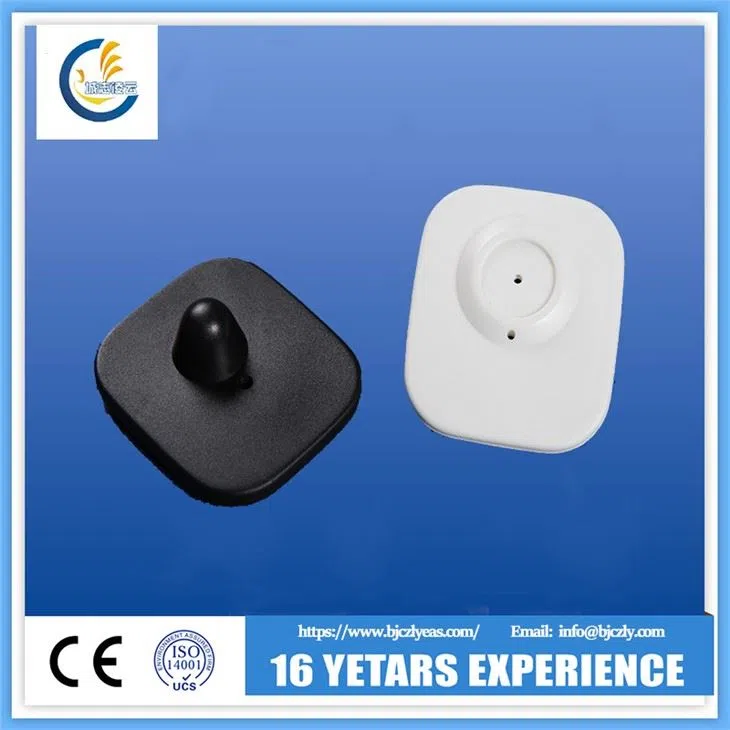
1. The buzzer interface of the receiving motherboard is in poor contact or the buzzer cable is damaged;
2. The buzzer is damaged or the power supply of the buzzer is damaged;
3. The volume jumper pin port of the receiving motherboard is not connected;
4. The volume interface of the motherboard is malfunctioning;
In view of the above situation, we should correctly judge the problem and adopt the following solutions:
1. Check whether there is a problem with the buzzer circuit, such as whether the connection line is damaged;
2. Pull out the plug of the buzzer and plug it back in again;
3. If the above problems cannot be solved, you can connect both ends of the buzzer's wiring head to the power input port of the receiving motherboard. Pay attention to the positive and negative directions. If the buzzer will alarm, then it means that the motherboard's buzzer Port failure; if the buzzer does not alarm, it means that the buzzer is damaged, just replace the buzzer;
4. Unplug the mainboard volume, remove the dust, and then plug it in again. If it doesn't work, replace it with a new volume interface;

If it is not the above reason and there is no solution by yourself, you can cut off the power of the security door and contact the after-sales engineer to ask the reason and solution.