

Yo, what's up folks! I'm an RF Deactivator supplier, and I know how frustrating it can be when your RF deactivator starts acting up. But don't worry, I'm here to walk you through some common issues and how to troubleshoot them.
1. Check the Power Supply
First things first, a lot of problems can stem from a dodgy power supply. If your RF deactivator isn't working at all, the first thing you should do is check if it's getting power. Make sure the power cord is properly plugged into both the deactivator and the electrical outlet. Sometimes, the plug might come loose over time, especially if there's a bit of movement around the unit.
If you're using a power strip, check if the strip is turned on and functioning correctly. You can try plugging in another device to the same power strip to see if it works. If not, it might be the power strip that's the problem, not the deactivator.
Also, take a look at the power indicator on the deactivator. Most models have a light that shows whether it's getting power. If the light is off, it could mean there's a blown fuse inside the deactivator. In this case, you'll need to open up the unit (make sure it's unplugged first!) and check the fuse. If it's blown, replace it with a fuse of the same rating.
2. Examine the Antenna
The antenna is a crucial part of an RF deactivator. It's responsible for emitting the radio frequency signals that deactivate the tags. If the antenna is damaged or misaligned, it can cause problems with deactivation.
Inspect the antenna for any visible signs of damage, like cracks or bends. If you find any damage, you'll probably need to replace the antenna. You can usually order a replacement antenna from the manufacturer or a reliable supplier.
Also, make sure the antenna is properly connected to the deactivator. Sometimes, the connection can come loose, especially if the unit has been moved around a lot. Just gently push the antenna connector into the socket on the deactivator to make sure it's secure.
3. Clean the Deactivator
Over time, dust and debris can build up inside the deactivator, which can affect its performance. Cleaning the unit regularly can help prevent this.
Start by unplugging the deactivator. Then, use a soft, dry cloth to wipe the outside of the unit. You can also use a can of compressed air to blow out any dust from the vents and other openings.
If you need to clean the inside of the deactivator, be extra careful. You might need to remove the cover, but make sure you know how to put it back together properly. Use a soft brush to gently remove any dust from the internal components. Just be careful not to damage any of the delicate parts.
4. Check the Software and Settings
Many modern RF deactivators come with software that allows you to adjust various settings. If the deactivator isn't working correctly, it could be due to incorrect settings.
First, make sure the software is up to date. Check the manufacturer's website for any software updates and install them if available. Sometimes, software bugs can cause problems, and updating the software can fix these issues.
Next, review the settings on the deactivator. Make sure the frequency and power settings are appropriate for the type of tags you're using. If you're not sure what settings to use, refer to the user manual or contact the manufacturer for guidance.
5. Test with Different Tags
If you're still having problems with deactivation, try using different tags. Sometimes, the issue might be with the tags themselves, not the deactivator.
Get a few different types of RF tags and test them with the deactivator. If some tags work fine but others don't, it could mean that the deactivator isn't compatible with those specific tags. In this case, you might need to look for a different deactivator or a different type of tag.
6. Check for Interference
RF signals can be affected by interference from other electronic devices. If there are other devices nearby that emit radio frequencies, they could be interfering with the deactivator's signals.
Try moving the deactivator away from other electronic devices, like Wi-Fi routers, microwave ovens, and cordless phones. Also, make sure there are no large metal objects close to the deactivator, as these can also cause interference.
If possible, test the deactivator in a different location to see if the problem persists. If the deactivator works fine in a different location, it's likely that interference was the issue.
Our Products
As an RF Deactivator supplier, we offer a range of high - quality products. For example, our EAS Deactivator is a great choice for many businesses. It's designed to be easy to use and highly effective at deactivating RF tags.
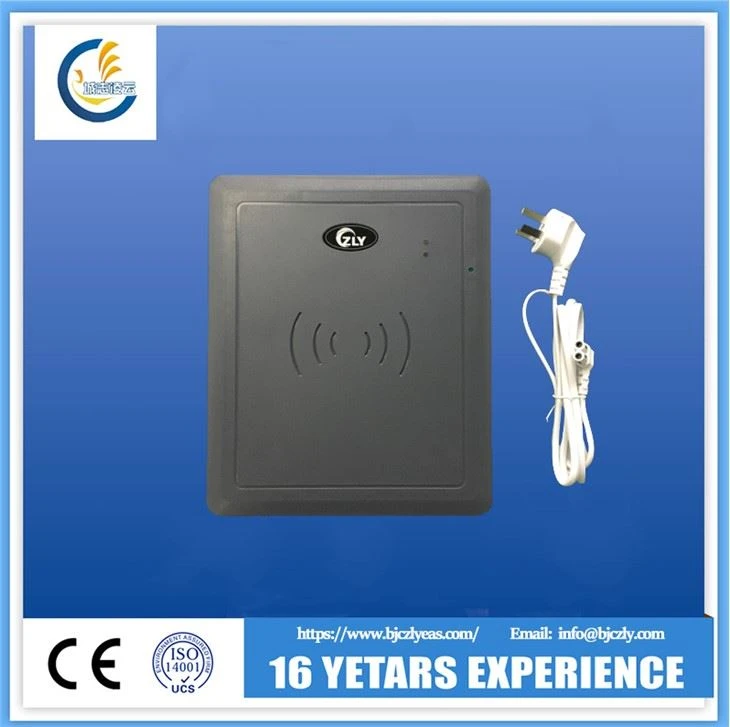
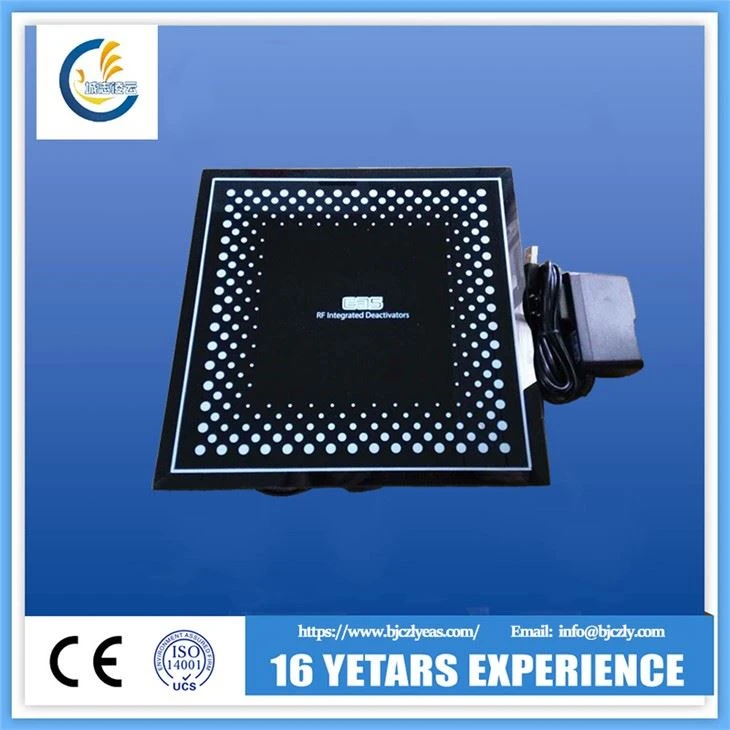
Another popular product is our 8.2MJZ RF Label Deactivator All - in - one. This deactivator is known for its reliability and long - lasting performance.
We also have the EAS All - in - one Deactivator, which combines multiple functions in one unit, making it a very versatile option.
If you're experiencing problems with your current RF deactivator or you're looking to purchase a new one, don't hesitate to get in touch with us. We have a team of experts who can help you choose the right product for your needs and provide you with all the support you need. Whether it's troubleshooting advice or product recommendations, we're here to assist you. So, if you're interested in our products or have any questions, just reach out, and let's start a conversation about your RF deactivator needs.
References
- Manufacturer's user manuals for RF deactivators
- Industry reports on RF technology and its applications in anti - theft systems