
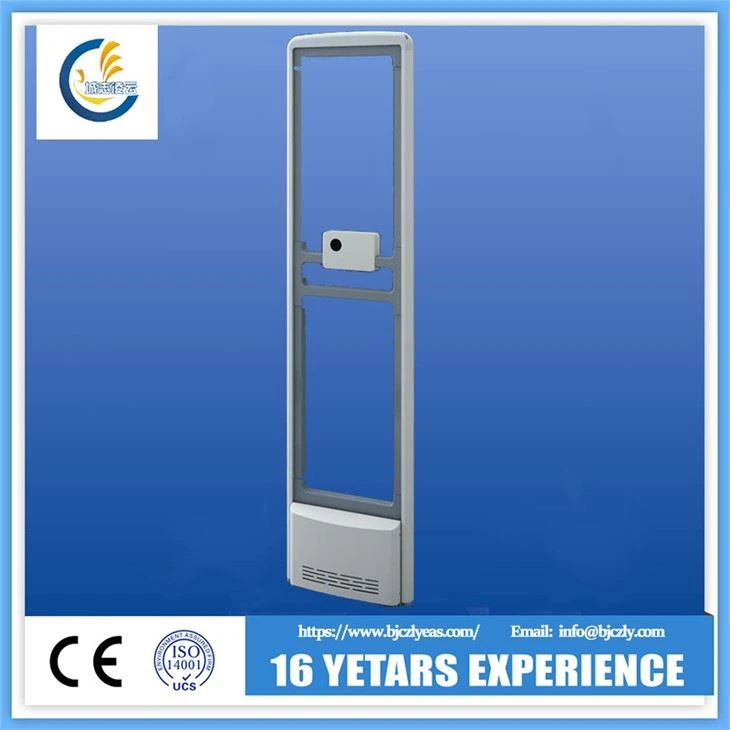


Supermarket EAS 58khz Anti-theft System
Supermarket Security Gates
Description
● New Look --- Germany imported acrylic material, crystal clear appearance, beautiful, fire-resistant, high temperature, never deformation.
● Advanced technology - leopard series using the world's leading signal acquisition and processing technology, using high-performance DSP systems for signal analysis and detection, built-in super anti-jamming algorithm, adaptable to the environment, almost no false positives.
●Simple configuration---The controller is built into the device. Easy to install, elegant appearance, plug and play, no external controller.
● after-sale maintenance - Each board has a unique global ID. The ID is uploaded to the cloud in the plant, and may be used in the operating state of the remote monitoring device. The motherboard is a separate encrypted, unauthorized people can not unauthorized debugging.
Specification
Leopard-XLA Technical Parameters: | |
Material | Aluminum alloy + plastic |
Antenna Size: | 1580*390*50mm |
Work Mode | Work without the controller |
Frequency: | 58kHz |
Antenna weight: | Master:12KG Vice: 10.5KG |
Input | 24V AC+10% ,50/60Hz |
Transmit pulse duration: | 1.8ms Burst |
Power fuse: | 0.8A +1A |
Accessories and Protection Range
Accessories: | Leopard-XLA protection range for one side | Leopard-XLA protection range for one channel |
DR label | 800-900mm | 1600-1800mm |
25 ferrite small pencil tag | 950-1050mm | 1900-2100mm |
33 ferrite mid pencil tag | 1100-1200mm | 2200-2400mm |
39 ferrite mid pencil tag | 1200-1300mm | 2400mm-2600mm |
45 ferrite big pencil tag | 1400mm-1500mm | 2800mm-3000mm |
Network version of the passenger counter instructions
I)Product Profile
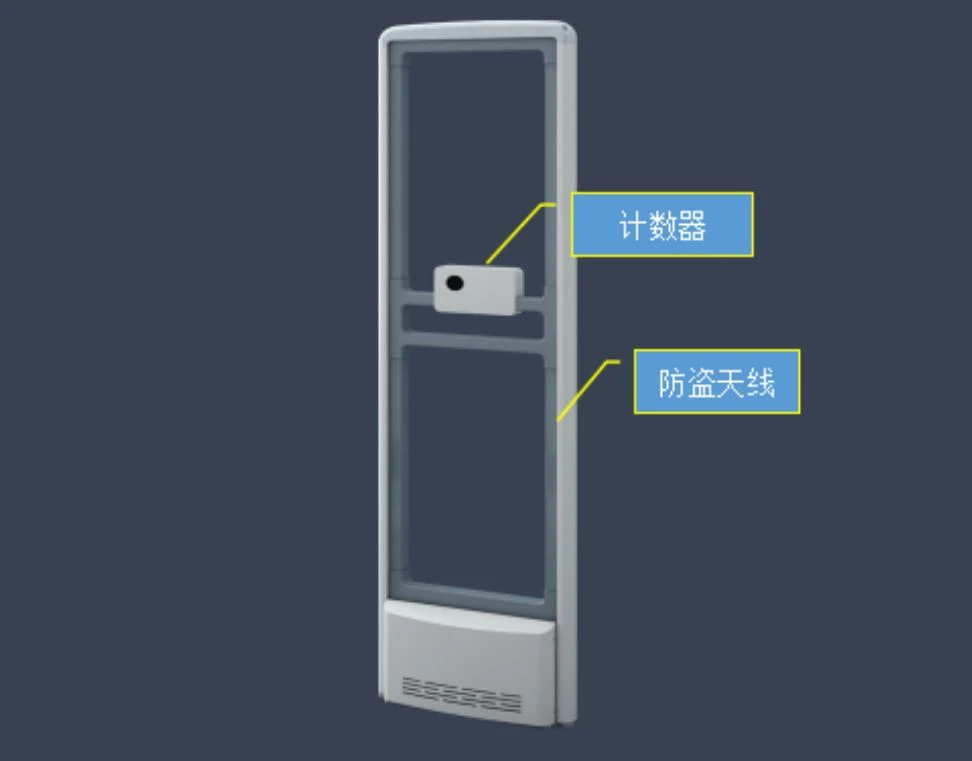
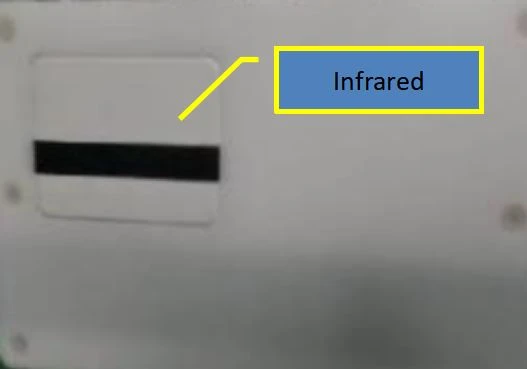
The principle of the passenger flow counter is that the passenger flow counting terminal and the infrared transmitter cooperate with each other. The passenger flow counting terminal can receive the infrared signal from the infrared transmitter. The infrared signal is blocked when pedestrians pass at the entrance and exit, and the passenger flow counting terminal automatically identifies and generates the count. Network counter passenger flow data automatically upload cloud, parameter setting and passenger flow data browsing through a smartphone operation.
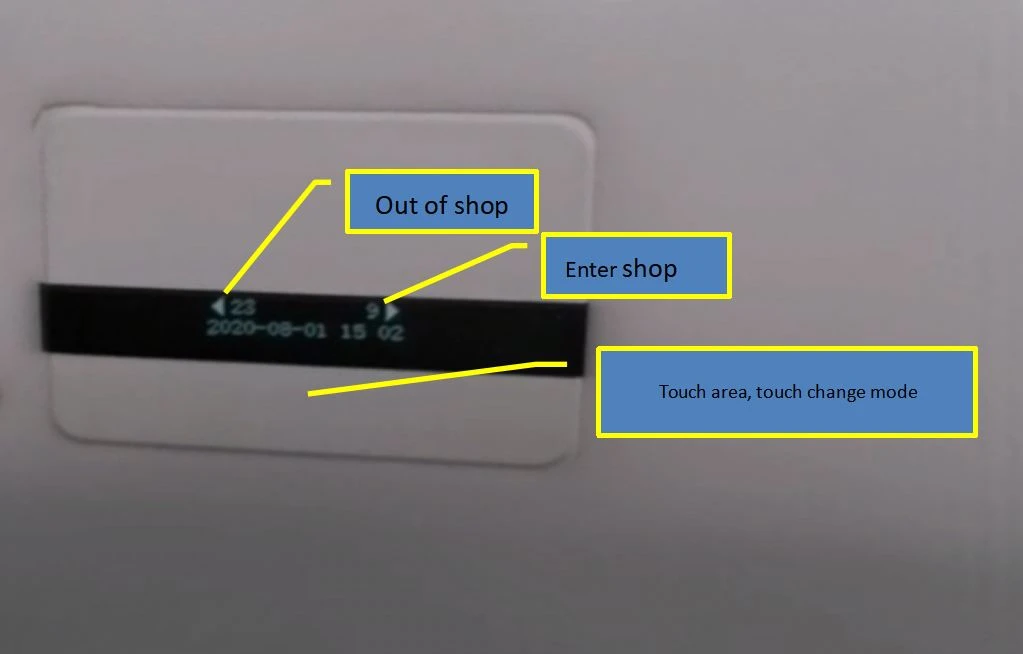
II) Network Counter Screen Interface
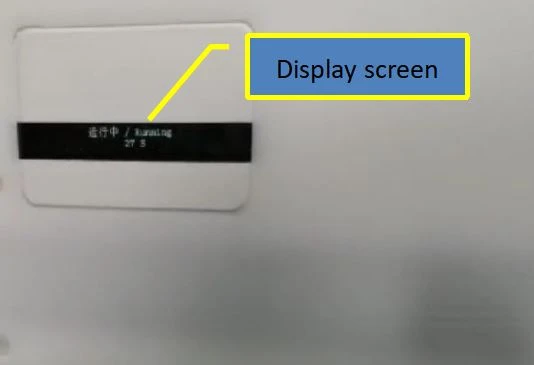
The display screen can only be awakened by touching the screen directly below. When the display screen is lit, the display content of the display screen can be switched once each touch can be displayed:
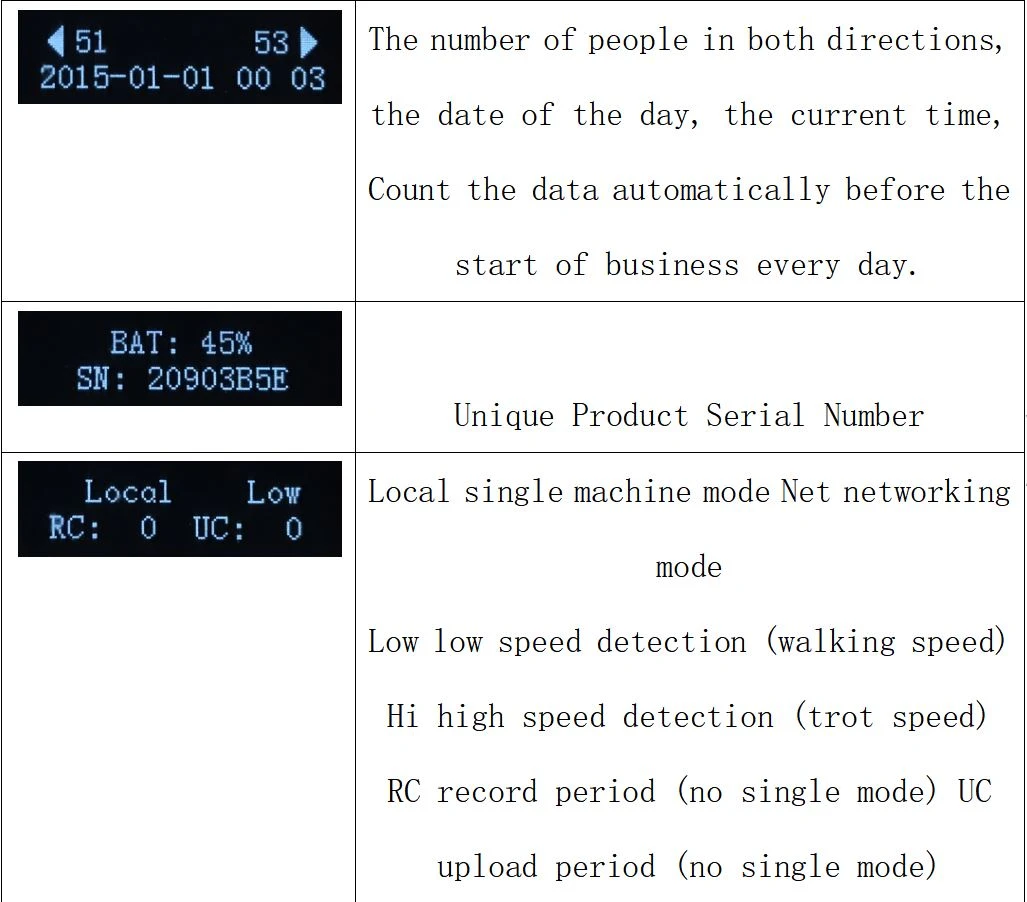
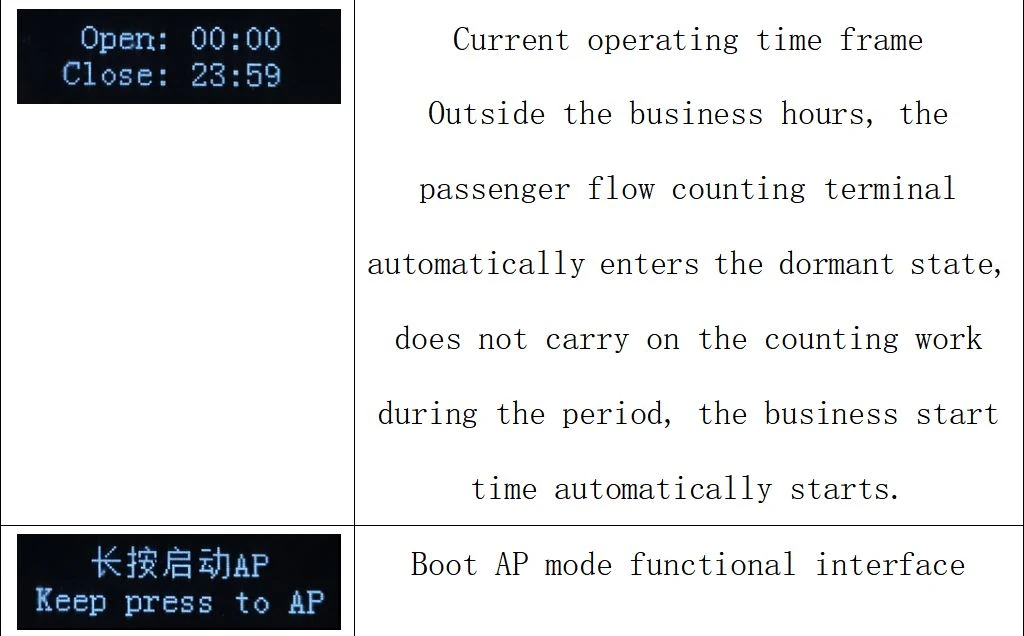
When there is no touch operation within 10 seconds, the display will automatically turn off.
III)Network Counter Network Configuration
Network mode work needs to ensure that the installation location has good WIFI signal coverage, you need to prepare a smart phone with WIFI functions to complete the configuration work.
Switch the content of the passenger flow counting terminal display screen to the "long press start AP" interface, long press 5 seconds, until the screen shows" running "and shows countdown time, turn the smartphone on the wireless LAN, search the WIFI network, You can find a network hot spot called iDTK", join the network and make sure the network is connected successfully.
| When the passenger count terminal starts the AP service (wifi hot spot), if no mobile phone is connected to the iDTK network within 30 seconds, the AP service is automatically turned off. Therefore, you need to pay attention to the passenger count terminal screen countdown, each touch will be countdown again. |
Connect Wifi
If there are other wireless devices around the current passenger count terminal in use or WIFI channel interference, there may be a failure to add the network, try to add many times until the network connection is successful.
Open the browser, enter :192.168.8.1 at the browser address, press enter (GO), enter the passenger flow count terminal settings page, the initial password is 1234, you need to enter the password before selecting the settings.
when using networking mode, the passenger flow counting terminal data is automatically uploaded to the cloud through a fixed period of WIFI network.
When you stay on the login page for 5 seconds (the passenger flow counting terminal scans the surrounding wifi hot spots), enter the password, click the network settings, and click the SSID button to display the surrounding WIFI network information that the passenger flow counting terminal can search.
| After the parameters are saved successfully, the passenger count terminal starts the connection network and the server, It takes about 30 seconds to add to the new network. |
| After the network connection, the server connection is normal, the parameters required for the passenger flow counting terminal to run are automatically downloaded from the server, and after the time calibration, the "configuration is successful ". |
IV) Usage of installation
Installation requires high-symmetric installation of anti-theft antennas, passenger flow counters and infrared emitters
V)stores management and account registration
After registration, use the "passenger platform" URL http://rep.ecounter.net/, and then use your registered account login, login can be store management.
Note: the following input information is an example, scan the QR code below
Hot Tags: supermarket eas 58khz anti-theft system, China, suppliers, manufacturers, cheap, quotation, for sale, EAS Aluminium AM gate, asset spare parts management, asset corrective maintenance, asset compatibility, equipment asset management, asset reporting system
Send Inquiry
